
Updated 16 September 2026. This article was checked against the current Hunyuan3D-2 README. Sections that described Hunyuan3D 2.0 as an image-and-video generator with an MLLM prompt interpreter were wrong (that is HunyuanVideo; Hunyuan3D 2.0 is an image-to-3D shape and texture model) and have been rewritten; the code sample, the system requirements, the “~10 seconds” speed claim (which came from the Hunyuan3D 1.0 paper), the description of the CMMD/CLIP metrics and the comparison with Luma Dream Machine and Virbo have been corrected; and the GitHub link now points at the Tencent-Hunyuan organisation. Note that Tencent has since released newer models: Hunyuan3D-2mini and Hunyuan3D-2mv (March 2025), Turbo checkpoints (March 2025) and Hunyuan3D-2.1 with PBR materials and full training code (June 2025).
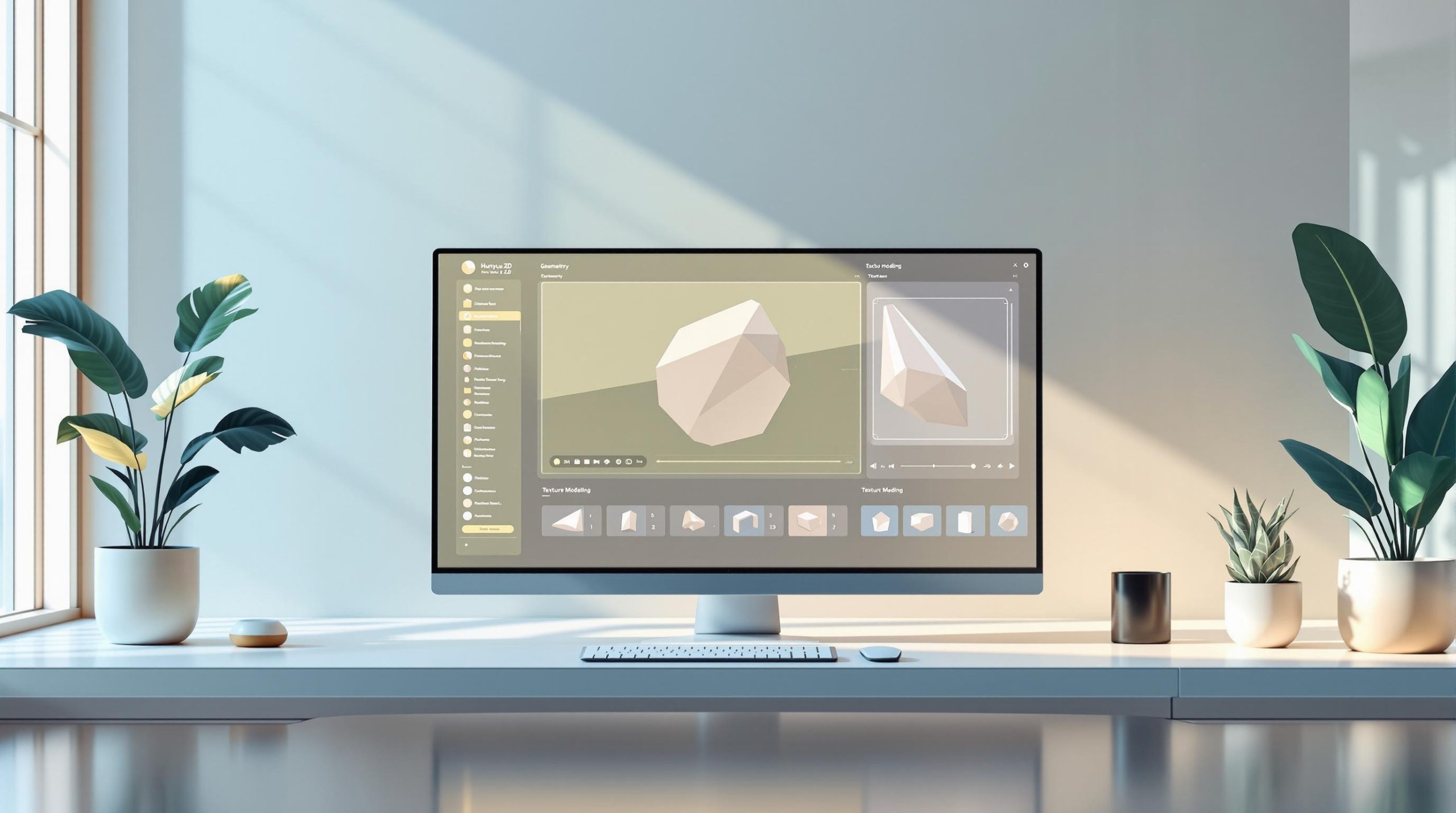
Hunyuan 3D 2.0 is Tencent‘s open-source 3D foundation model designed to simplify 3D content creation. It uses a two-stage pipeline: Hunyuan3D-DiT generates shapes, and Hunyuan3D-Paint adds textures, producing high-resolution textured 3D assets from a single reference image. In Tencent’s own evaluation of textured-asset quality it reports the best CMMD (3.193) and CLIP-score (0.809) of the open- and closed-source models it compared against, which makes it relevant for gaming, animation, and VR.
Key Features:
- Two-Stage Process: Separate pipelines for shape creation and texture application.
- 3D VAE: Ensures detailed geometry and high-resolution textures.
- Image input: The released pipelines take an image, not a text prompt. The Gradio app can chain a text-to-image model in front if you start it with
--enable_t23d. - Open-Source: Available on platforms like GitHub and Hugging Face.
- Speed: A guidance-distilled Fast shape checkpoint (February 2025) halves DiT inference time and step-distilled Turbo checkpoints (March 2025) go further; the README gives no fixed seconds-per-model figure.
Strengths:
- High-quality 3D assets with precise geometry and textures.
- Open-source and accessible for integration into workflows.
- Proven efficiency (e.g., Tencent Maps improved productivity by 91%).
Weaknesses:
- Needs an NVIDIA GPU: 6 GB VRAM for shape generation, 16 GB for shape plus texture.
- Image input only; there is no native text-to-3D pipeline in the release.
- The texture pipeline needs two custom CUDA extensions compiled from source, so installation is harder than for the shape model alone.
Quick Comparison Table:
| Aspect | Strengths | Weaknesses |
|---|---|---|
| Architecture | Advanced generation pipeline | Requires powerful hardware |
| Performance | Exceptional metrics | Image input only |
| Accessibility | Open-source availability | Resource-intensive to operate |
| Output Quality | High-resolution assets | Texture stage needs compiled CUDA extensions |
| Speed | Fast and Turbo distilled checkpoints | Hardware-dependent performance |
For developers in gaming, VR, or animation, Hunyuan 3D 2.0 offers a powerful tool for generating precise, high-quality 3D assets. However, it requires robust hardware to fully leverage its capabilities.
Features and Capabilities of Hunyuan 3D 2.0

Image-to-3D in Two Stages: Shape, then Texture
Hunyuan 3D 2.0 does not generate images or video; it turns one reference image into a textured 3D mesh. A flow-matching diffusion transformer, Hunyuan3D-DiT, first produces the bare geometry, and a second diffusion model, Hunyuan3D-Paint, then synthesises a high-resolution texture map for that mesh. Both stages are exposed through a diffusers-style Python API, so the whole pipeline runs end to end without switching tools [3].
The model’s process separates mesh creation from texture generation, offering the flexibility to texture both AI-generated and manually designed meshes effectively [1]. Additionally, its integrated 3D VAE ensures top-tier output quality.
3D Variational Autoencoder (VAE) for Superior Results
The built-in 3D VAE is a cornerstone of Hunyuan 3D 2.0, ensuring high-quality 3D model generation. Here’s a breakdown of its key features:
| Feature | Description |
|---|---|
| Geometric Detail | Accurately captures intricate 3D shapes |
| Texture Synthesis | Produces high-resolution textures |
| Optimization | Balances performance with quality |
This technology is already making a difference in real-world use cases. For instance, Tencent Maps employs Hunyuan 3D 2.0 to generate 3D navigation icons, boosting efficiency by an impressive 91% [3].
Benchmark Results
Hunyuan3D 2.0 has no language-model component; an earlier version of this article claimed an MLLM prompt interpreter, which belongs to HunyuanVideo, not this model. What the README does publish is a table comparing the quality of generated textured 3D assets and their fidelity to the input image against one open-source and three unnamed closed-source systems. On that table Hunyuan3D 2.0 scores best on all four metrics: CMMD 3.193, FID_CLIP 49.165, FID 282.429 and CLIP-score 0.809. These are image-similarity and condition-following measures of the rendered textured asset, not direct measurements of geometric accuracy, and they are self-reported by Tencent [1].
These features make Hunyuan 3D 2.0 a powerful tool for industries like gaming, animation, and VR, where top-notch 3D assets are a must.
Strengths and Weaknesses of Hunyuan 3D 2.0
Strengths of Hunyuan 3D 2.0
Hunyuan 3D 2.0 stands out with its advanced architecture, offering flexibility and producing high-quality 3D assets. It delivers top-tier performance metrics, surpassing many open and closed-source alternatives [1]. For instance, Tencent Maps reported a 91% boost in efficiency when using this model, highlighting its practical effectiveness.
Being open-source, it is available to developers and creators globally. This accessibility makes it a valuable tool for industries that rely on efficient, high-quality 3D asset generation [1].
Weaknesses of Hunyuan 3D 2.0
One major drawback is its high computational demand, which can be a barrier for users with limited hardware capabilities [1]. The README puts the requirement at 6 GB of VRAM for shape generation and 16 GB for shape plus texture, and the texture stage additionally requires compiling two custom CUDA extensions. Another limitation is that the released pipelines only accept image input, so text-to-3D is only available indirectly, by generating an image first [1].
While these limitations may pose challenges for some users, those with adequate resources can take full advantage of the model’s advanced features.
Comparison Table of Strengths and Weaknesses
Here’s a quick overview of Hunyuan 3D 2.0’s strengths and weaknesses:
| Aspect | Strengths | Weaknesses |
|---|---|---|
| Architecture | Advanced generation pipeline | Requires powerful hardware |
| Performance | Exceptional metrics | Image input only |
| Accessibility | Open-source availability | Resource-intensive to operate |
| Output Quality | High-resolution 3D assets | Texture stage needs compiled CUDA extensions |
| Processing Speed | Fast (guidance-distilled) and Turbo (step-distilled) checkpoints | Performance depends on hardware |
These factors are key in evaluating whether the model fits specific projects or development needs. Knowing its capabilities and limitations helps developers make well-informed choices when deciding to integrate Hunyuan 3D 2.0 into their workflows.
Other Tools Similar to Hunyuan 3D 2.0
Alternative Tools to Consider
The 3D and video generation space is packed with options, each catering to different needs. TikTok Symphony Creative Studio stands out for its user-friendly video production tools, perfect for integrating with popular editing software. Luma Dream Machine generates video clips from text or image prompts, while Synthesia is a go-to for creating educational and marketing videos. WonderShare Virbo makes AI-avatar presenter videos. Note that none of these four produce 3D meshes; they are listed as neighbouring generative tools, not as substitutes for an image-to-3D model.
| Tool | Primary Focus | Technical Expertise Required | Best Use Case |
|---|---|---|---|
| TikTok Symphony | Video Production | Beginner-Friendly | Social Media Content |
| Luma Dream Machine | Video Generation | Beginner-Friendly | Short creative video clips |
| Synthesia | Video Generation | Moderate Learning Curve | Educational Content |
| WonderShare Virbo | AI Avatar Video | Beginner-Friendly | Presenter-style marketing videos |
How Hunyuan 3D 2.0 Compares to Other Tools
Hunyuan 3D 2.0 sets itself apart with its top-tier metrics like CMMD and CLIP-score, ensuring high-quality 3D model outputs [1]. Its two-stage process for generating meshes and textures delivers consistently reliable results [3].
While tools like Luma Dream Machine prioritize ease of use, Hunyuan 3D 2.0 offers developers unmatched flexibility through its open-source framework. Available on platforms like GitHub and Hugging Face, it’s an excellent choice for those needing a customizable solution tailored to specific projects [1].
This tool’s ability to handle complex geometry and texture modeling makes it ideal for gaming, animation, and VR, where precision matters most. However, its computational demands might be higher compared to more user-friendly commercial tools.
For developers seeking a high-performance 3D generation tool with customization options, Hunyuan 3D 2.0 stands out as a strong contender in the industry.
Using Hunyuan 3D 2.0 in Your Projects
Example Code: Image to Textured Mesh
Hunyuan 3D 2.0 uses a two-step process to simplify 3D content creation. By separating mesh generation from texture application, it gives users more control over customization. Here’s an example of how to generate and texture a 3D model using its pipelines:
from hy3dgen.shapegen import Hunyuan3DDiTFlowMatchingPipeline
from hy3dgen.texgen import Hunyuan3DPaintPipeline

# Initialize pipelines
shape_pipeline = Hunyuan3DDiTFlowMatchingPipeline.from_pretrained('tencent/Hunyuan3D-2')
texture_pipeline = Hunyuan3DPaintPipeline.from_pretrained('tencent/Hunyuan3D-2')

# Generate 3D mesh and apply textures
mesh = shape_pipeline(image='assets/demo.png')[0]
textured_mesh = texture_pipeline(mesh, image='assets/demo.png')

# The result is a trimesh object; export it to glb, obj or another format
textured_mesh.export('final_model.glb')
Before running this, install PyTorch from the official site, then pip install -r requirements.txt and pip install -e . in the cloned repository. The texture pipeline also needs the custom_rasterizer and differentiable_renderer extensions built with python3 setup.py install in their folders under hy3dgen/texgen/; see the install section of the README.
This process allows you to refine meshes and textures separately, making it easier to tweak designs. It’s especially useful in areas like gaming and animation, where iterative improvements and high-quality results are critical [3].
System Requirements for Running the Model
The README states only one hard requirement:
| Task | GPU memory (from the README) |
|---|---|
| Shape generation only (Hunyuan3D-DiT) | 6 GB VRAM |
| Shape plus texture generation (DiT + Paint) | 16 GB VRAM in total |
An earlier version of this article listed a minimum RTX 3080, 16 GB RAM, 50 GB SSD and Python 3.8; those figures were not from the project and have been removed. You need an NVIDIA GPU with CUDA and a PyTorch install; the Gradio app offers a --low_vram_mode flag, and the smaller 0.6B Hunyuan3D-2mini shape model released in March 2025 lowers the bar further [README].
With the right setup, Hunyuan 3D 2.0 can streamline the creation of 3D assets, making it a powerful tool for your projects.
Summary and Final Thoughts
Key Takeaways
Hunyuan 3D 2.0 reshapes 3D content creation with advanced geometry and texture modeling, simplifying workflows while improving output quality. Its design ensures precise alignment between geometry and textures, making it a go-to tool for a range of industries [3].
The model’s performance is backed by its CMMD score of 3.193 in Tencent’s own textured-asset quality comparison [1]. Tencent Maps’ adoption further highlights its ability to handle large-scale production efficiently without compromising quality, proving its reliability in demanding environments [3].
While the model does require significant hardware resources, its strengths in delivering precise, high-quality assets make it a favorite for industries like gaming, animation, and VR, where accuracy and dependability are essential [1].
These advancements solidify Hunyuan 3D 2.0 as a key tool in today’s 3D content creation landscape.
Final Thoughts
Hunyuan 3D 2.0 stands out with its impressive performance metrics and easy accessibility via platforms like GitHub and Hugging Face. Its success in practical applications, such as gaming and 3D mapping, showcases its transformative impact on these industries [1].
The model’s achievements in user-generated content creation, product material synthesis, and large-scale 3D mapping highlight its versatility and practical use cases [3]. As AI-driven 3D modeling continues to advance, Hunyuan 3D 2.0 is set to remain a leader, shaping the future of 3D content creation.
FAQs
What is the best AI for generating 3D models?
Hunyuan 3D 2.0 stands out with a CMMD score of 3.193 and a CLIP-score of 0.809, making it a top choice for professional uses like gaming and VR [1]. Its two-stage pipeline (explained earlier) delivers high-quality geometry and textures, which is especially useful for industries needing precise 3D asset creation [3].
With its open-source availability and proven performance in professional settings, Hunyuan 3D 2.0 is a reliable option for developers and creators looking for advanced 3D model generation tools [1].
Can AI generate 3D models for games?
Absolutely. Hunyuan 3D 2.0 is capable of creating game-ready 3D models, offering key features tailored for game development. It produces a mesh with a high-resolution texture map that you can export to glb or obj and bring into a game engine. It does not rig, animate or retopologise the result, so a low-poly, game-ready version still requires a clean-up pass in your DCC tool [1].
The model has proven its usefulness in areas like UGC creation and product visualization [3]. By unifying geometry and texture generation, it simplifies the asset creation process, allowing developers to efficiently produce high-quality 3D content [1].
These features make Hunyuan 3D 2.0 a powerful tool for creators and developers working in gaming and interactive media.