

Want to turn text into 3D models? Open-source tools like DreamFusion, Shap-E, Text2Mesh, and threestudio make it possible – free and accessible to everyone. These tools let you create 3D assets from text prompts, refine existing models, or even combine text and images for powerful results.
Quick Overview:
- DreamFusion: Generates detailed 3D models using text prompts with advanced neural rendering.
- Shap-E: Converts text to textured meshes or NeRFs, offering flexibility in output formats.
- Text2Mesh: Enhances and transforms existing 3D models with text-driven texture and geometry updates.
- threestudio: Supports text, images, or both for multi-modal 3D content creation with real-time previews.
Why Open-Source Tools?
- Free to use and customizable.
- Community-driven improvements.
- Great for creators with limited resources.
Explore these tools to simplify 3D creation for games, architecture, and more!
Open-Source Text-to-3D Tools on GitHub (Quick Comparison)
| Tool | GitHub repo | Input | Output | Best for |
|---|---|---|---|---|
| threestudio | threestudio-project/threestudio | Text, image or both | NeRF, mesh, point cloud (.obj/.glb/.fbx) | A unified framework bundling many methods |
| Shap-E (OpenAI) | openai/shap-e | Text or image | Textured mesh or NeRF | Fast generation (~3–5 min/model) |
| DreamFusion | ashawkey/stable-dreamfusion | Text | High-quality NeRF/mesh | Detailed, view-consistent organic models |
| Text2Mesh | threedle/text2mesh | Text + existing mesh | Restyled mesh (texture/geometry) | Editing/stylizing meshes you already have |
This AI makes 3d models in SECONDS! | OpenAI Shap-e

DreamFusion
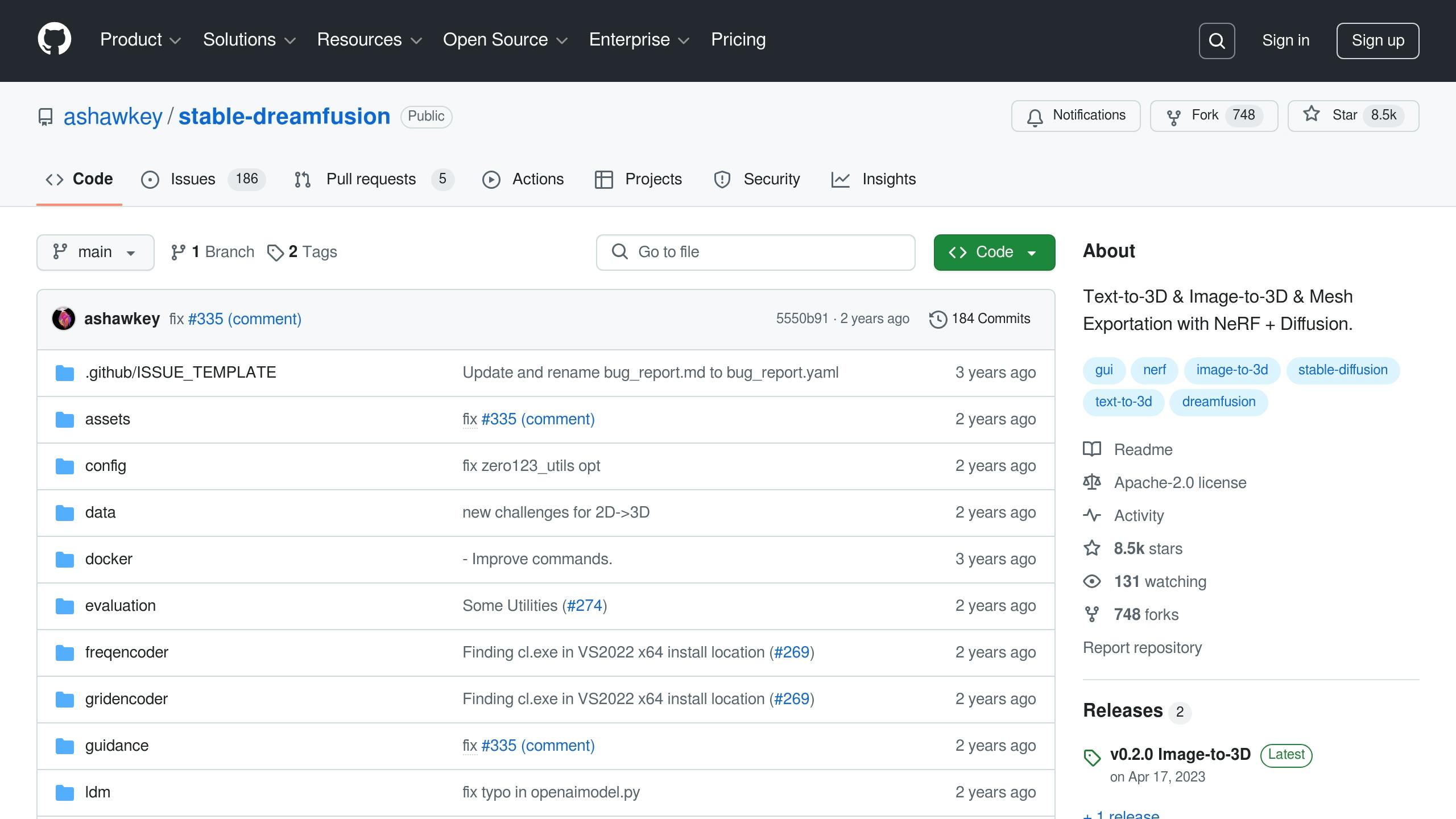
DreamFusion is an open-source tool designed for creating 3D content from text descriptions. It uses 2D diffusion models and Score Distillation Sampling (SDS) to generate detailed and high-quality 3D assets.
Main Features
DreamFusion stands out in its ability to turn natural language inputs into precise 3D models. Key features include:
- Neural Rendering: Uses advanced neural networks to produce high-quality 3D visuals.
- View Consistency: Ensures objects look consistent from all angles.
- Texture and Material Quality: Produces detailed textures with realistic materials.
- Lighting Management: Handles complex lighting scenarios effectively.
This tool is particularly effective for organic models, such as natural shapes and textures, ensuring accurate geometry and surface details.
Setup Guide
Before starting, make sure your system meets these requirements:
- A CUDA-compatible GPU with at least 16GB VRAM
- Python 3.8 or newer
- Git installed
Note that Google’s original DreamFusion code was never released. The open-source implementation everyone actually runs is stable-dreamfusion, which swaps Google’s Imagen for Stable Diffusion. To set it up, follow these steps:
-
Clone the repository and install the dependencies (a virtual environment is recommended):
git clone https://github.com/ashawkey/stable-dreamfusion.git cd stable-dreamfusion python -m venv venv_stable-dreamfusion && source venv_stable-dreamfusion/bin/activate pip install -r requirements.txt -
Build the CUDA extensions (needed by the Instant-NGP-style NeRF backbone). Either install them up front, or let them compile on the first run:
bash scripts/install_ext.shIf you would rather skip the CUDA build, add
--backbone grid_taichito the run command below to use the Taichi backend instead. -
Run it with your text prompt.
-Ois shorthand for--cuda_ray --fp16, the recommended fast setting:python main.py --text "a hamburger" --workspace trial -OResults (checkpoints, renders and a video) land in the
trial/workspace folder. Tight on VRAM? Add--vram_O. To export a mesh once training finishes:python main.py --workspace trial -O --test --save_mesh
For the best results, use clear and specific text prompts that describe physical characteristics rather than abstract ideas. Depending on your hardware and the model’s complexity, the process typically takes 30–45 minutes.
Shap-E
Shap-E is OpenAI’s tool for converting text descriptions into 3D assets. This open-source project enables users to create both textured meshes and Neural Radiance Fields (NeRFs) from text inputs.
Core Features
Shap-E’s standout feature is its ability to generate two types of outputs: textured triangle meshes and NeRF representations. This gives users the flexibility to choose the format that best suits their needs.
How to Set It Up
To use Shap-E effectively, you’ll need to meet specific hardware and software requirements. Here’s a step-by-step guide:
1. System Requirements
- GPU: NVIDIA with at least 8GB VRAM
- CUDA: Version 11.7 or newer
- Python: Version 3.9 or later
- RAM: Minimum of 16GB
2. Installation Steps
Run these commands in your terminal to install Shap-E:
git clone https://github.com/openai/shap-e
cd shap-e
pip install -e .
3. Generating 3D Models
Shap-E ships no command-line generator or config file; you drive it from Python. The quickest route is the bundled notebook shap_e/examples/sample_text_to_3d.ipynb (there is also sample_image_to_3d.ipynb for image input). The same workflow as a plain script looks like this:
import torch
from shap_e.diffusion.sample import sample_latents
from shap_e.diffusion.gaussian_diffusion import diffusion_from_config
from shap_e.models.download import load_model, load_config
from shap_e.util.notebooks import decode_latent_mesh

device = torch.device('cuda' if torch.cuda.is_available() else 'cpu')
xm = load_model('transmitter', device=device)
model = load_model('text300M', device=device)
diffusion = diffusion_from_config(load_config('diffusion'))

latents = sample_latents(
    batch_size=1,
    model=model,
    diffusion=diffusion,
    guidance_scale=15.0,
    model_kwargs=dict(texts=["your description"]),
    progress=True,
    clip_denoised=True,
    use_fp16=True,
    use_karras=True,
    karras_steps=64,
    sigma_min=1e-3,
    sigma_max=160,
    s_churn=0,
)

mesh = decode_latent_mesh(xm, latents[0]).tri_mesh()
with open('output.obj', 'w') as f:
    mesh.write_obj(f)
The model weights download automatically on first use. The knobs worth tweaking are the arguments to sample_latents:
| Parameter | Default | Purpose |
|---|---|---|
| guidance_scale | 15.0 | How closely the result follows the text prompt |
| karras_steps | 64 | Number of sampling steps; more means better quality but slower |
| batch_size | 4 (notebook) | How many candidate models to generate per prompt |
To get a NeRF-style turntable render instead of a mesh, use decode_latent_images with create_pan_cameras as shown in the notebook.
For the best results, use detailed prompts that describe physical traits and geometric features. On supported hardware, the process usually takes 3–5 minutes per model.
Text2Mesh
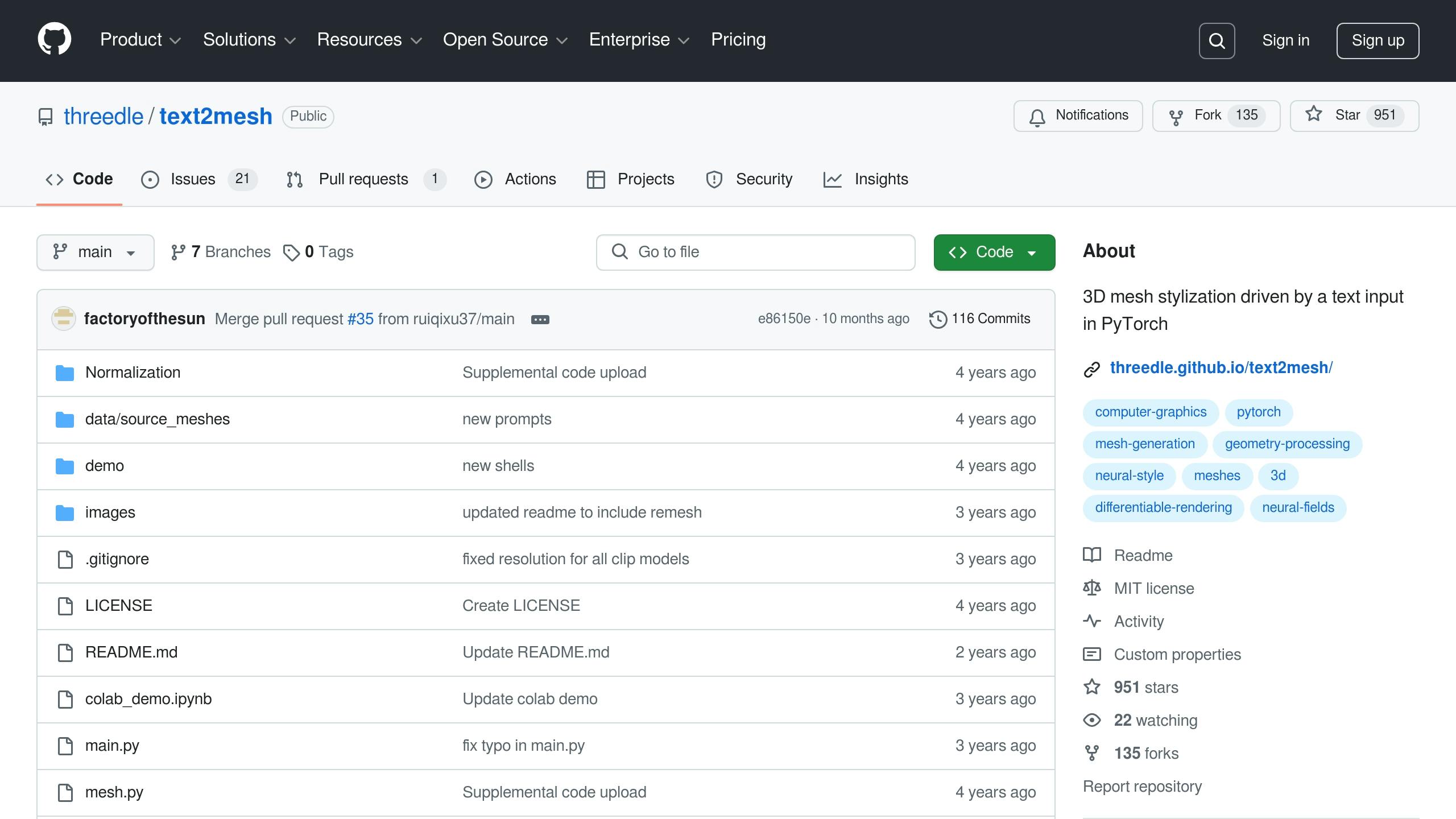
Text2Mesh refines existing 3D models by applying text-driven stylistic updates. Unlike tools that create models entirely from text, Text2Mesh focuses on enhancing and transforming pre-existing meshes.
Main Features
Text2Mesh specializes in texture and geometry adjustments, offering features like:
| Feature | Description | Use Case |
|---|---|---|
| Texture Synthesis | Generates detailed textures based on text input | Adding materials like "rusty metal" or "polished marble" |
| Geometric Editing | Makes subtle mesh changes guided by text prompts | Tweaking surface details without altering the model’s structure |
| Multi-View Consistency | Keeps the model’s appearance uniform from all angles | Ensuring cohesive styling for complex shapes |
| Resolution Control | Handles high-resolution textures for intricate details | Producing assets suitable for games or animations |
Common Uses
Text2Mesh is widely used across creative fields, including:
-
Game Asset Enhancement
Game developers can quickly modify existing 3D assets, applying new styles and textures through simple text inputs. This speeds up iteration and adds variety to in-game models. -
Architectural Visualization
Architects and designers can experiment with different material finishes on 3D building models. Text2Mesh allows changes to surface textures while keeping the overall structure intact. -
Character Customization
Animation studios use Text2Mesh to create multiple character variations from a single base model. This simplifies the creative process and reduces production time.
The tool ensures the original geometry remains intact while applying advanced style transformations, making it ideal for projects that demand precise forms.
threestudio
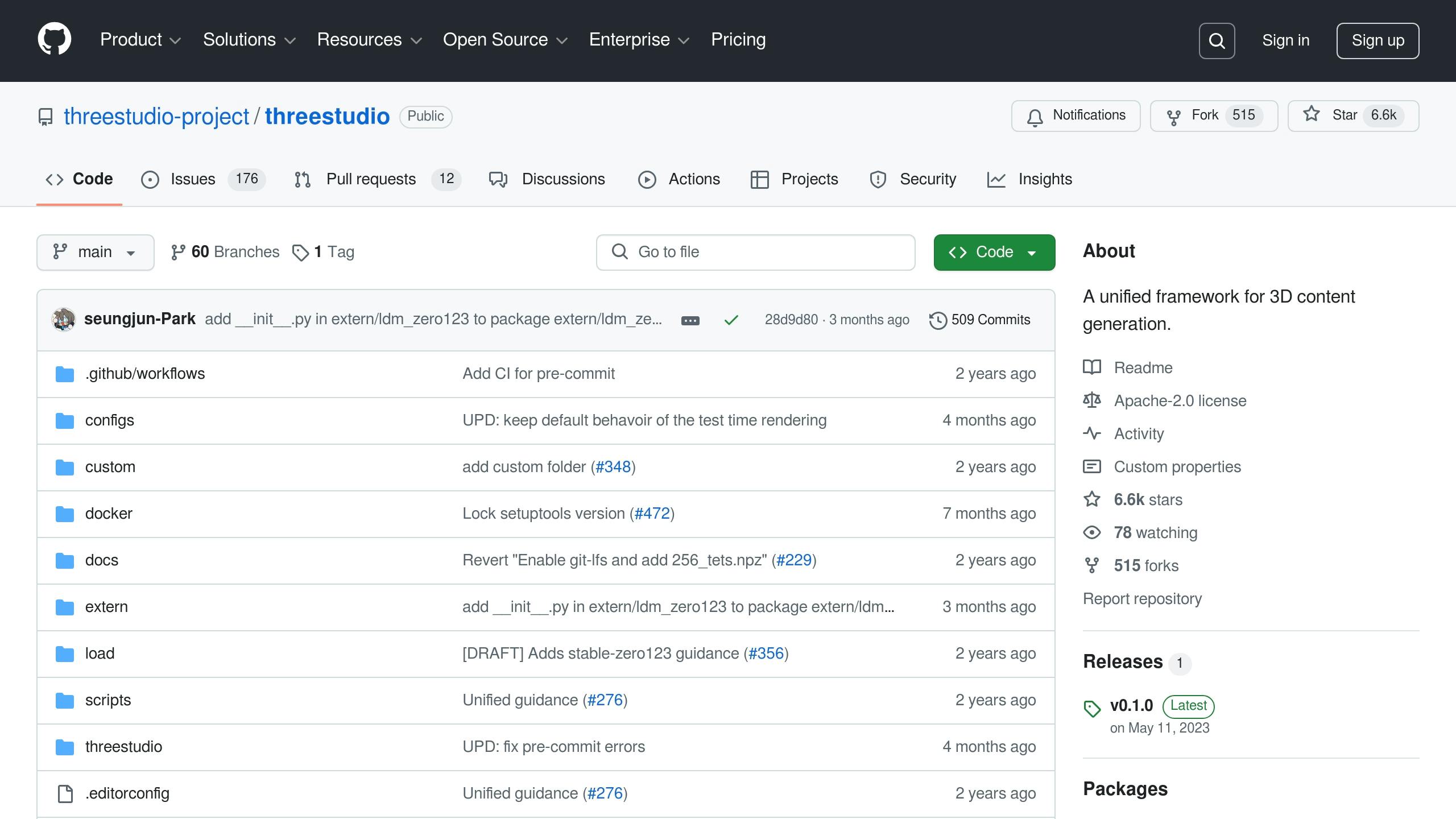
threestudio is a framework designed for creating 3D content using text, images, or a mix of both. It brings together various generation methods into a single, streamlined workflow.
Key Functions
threestudio includes a variety of tools aimed at flexible 3D content creation:
| Function | Capability | Details |
|---|---|---|
| Multi-Modal Input | Accepts text, images, or combined inputs | Produces outputs like NeRF, mesh-based models, and point clouds |
| Real-time Preview | Interactive viewport for instant feedback | WebGL-based visualization running at 30+ FPS |
| Export Options | Supports multiple formats for compatibility | Includes .obj, .glb, .fbx, and point cloud formats |
| Batch Processing | Manages multiple tasks at once | Enables parallel processing on compatible GPUs |
The framework is built to ensure precise geometry while offering plenty of options for customization. Its modular setup lets developers add custom plugins and renderers with ease. Everything integrates smoothly into a simple setup process.
Setup Guide
1. System Requirements
Make sure your system meets the following:
- NVIDIA GPU with at least 8GB VRAM
- CUDA 11.7 or newer
- Python 3.8 or higher
- 16GB of system RAM
2. Installation Process
Set up the framework by cloning the repository and preparing your environment:
git clone https://github.com/threestudio-project/threestudio.git
cd threestudio
conda create -n threestudio python=3.8
conda activate threestudio
pip install -r requirements.txt
Install PyTorch (1.12 or newer, matching your CUDA version) before the requirements step; the README lists tested combinations. Installing ninja first speeds up compiling the CUDA extensions.
3. Configuration and Your First Model
The repository already ships a configs/ folder with one YAML file per method (DreamFusion, Magic3D, ProlificDreamer, Zero-1-to-3 and more). You pick a config and override any setting on the command line, so a first text-to-3D run looks like this:
python launch.py --config configs/dreamfusion-sd.yaml --train --gpu 0 system.prompt_processor.prompt="a zoomed out DSLR photo of a baby bunny sitting on top of a stack of pancakes"
The dreamfusion-sd.yaml config uses Stable Diffusion as guidance and fits in about 6GB of VRAM. For higher quality, the dreamfusion-if.yaml config uses DeepFloyd IF (over 20GB VRAM, and you must accept its license on Hugging Face first). Outputs, checkpoints and a parsed copy of the config land in outputs/.
Thanks to its modular design, you can add custom components without losing compatibility with the main framework.
Conclusion
Text-to-3D creation is making strides as open-source tools make advanced 3D modeling accessible to a wider audience.
Open Source Benefits
Open-source text-to-3D tools bring several advantages that are drawing interest from creators and developers alike:
| Benefit | Impact | Why It Matters |
|---|---|---|
| Cost Savings | Cuts operational costs | No need for pricey licenses or subscriptions |
| Hardware-Friendly | Works on less powerful GPUs | Affordable for creators with standard equipment |
| Customizable | Access to source code | Tailor features to specific needs |
| Community-Driven | Backed by active contributors | Frequent updates and shared knowledge |
These features are helping independent creators and smaller studios step into the world of professional 3D content creation without traditional barriers.
The Road Ahead
The future holds even more promise for text-to-3D tools, with advancements that could redefine workflows.
AI-Powered Rigging: New AI technologies are simplifying animation processes, cutting down the time needed for character setup – a game-changer for developers and artists.
Better Asset Quality: Machine learning improvements are driving higher-quality 3D models, enabling tools to deliver even more polished results.
These developments are paving the way for professional-grade modeling to become even more accessible than ever before.
Frequently Asked Questions
What is the best open-source text-to-3D tool on GitHub?
It depends on the job: threestudio is the most versatile (a single framework unifying many text- and image-to-3D methods), Shap-E is the fastest (~3–5 minutes per model), DreamFusion (stable-dreamfusion) gives the most detailed results, and Text2Mesh is best for restyling meshes you already have.
Is threestudio free and open source?
Yes. threestudio is released as open source on GitHub (threestudio-project/threestudio) and is free to use, supporting text, image and combined multi-modal 3D generation.
What text-to-3D models are open source?
DreamFusion (via stable-dreamfusion), OpenAI’s Shap-E, Text2Mesh and the threestudio framework are all open source and on GitHub, so you can run them locally on a CUDA GPU for free.