Updated 16 September 2026. This article was fact-checked against primary sources and corrected: Runway Gen-3 Alpha Turbo was a text/image-to-video model (retired by Runway on 30 July 2026), not a lip-sync tool, and Runway’s Lip Sync is a separate feature; HeyGen does offer a public API (an earlier version said it did not) and its pricing has been updated; Hedra’s noise-removal feature is called Voice Isolation and an unsourced free-tier word limit was removed; LatentSync’s TREPA is a training loss, its VRAM figures now reflect versions 1.5 and 1.6, and latentsync.com is an unofficial third-party site. The field has moved on since this was written: ByteDance shipped LatentSync 1.5 (March 2025) and 1.6 (June 2025), and this comparison does not cover other widely used options such as Wav2Lip, SadTalker, MuseTalk or Sync Labs.
Lipsync tools are essential for video creators. Here’s a quick breakdown of the top options:
- Runway Gen-3 Alpha Turbo: A general text/image-to-video model (retired 30 July 2026), not a dedicated lip-sync tool; lip sync on Runway is a separate feature applied to a clip or photo. It cost 5 credits/second and produced 5- or 10-second clips extendable to 34 seconds.
- Hedra: Free tier available, precise animations, ideal for small projects.
- Heygen: Multilingual support, handles two faces, public API, free plan for 1-minute videos, paid plans from $29/month (September 2026).
- LatentSync (Open Source): Fully customizable, free with infrastructure costs, requires technical skills.
Quick Comparison
| Feature | Runway Gen-3 Alpha Turbo | Hedra | Heygen | LatentSync |
|---|---|---|---|---|
| Ease of Use | Simple, no coding | Intuitive | Professional focus | Developer-focused |
| Lip-sync Accuracy | High precision | Realistic emotions | Multilingual | Diffusion model + TREPA loss |
| Customization | Limited presets | Eye movement control | Limited options | Full framework |
| Cost | Subscription-based | Free tier available | Free + premium plans | Free (infra costs) |
Choose based on your team’s skills, budget, and project needs. For flexibility and control, open-source LatentSync is great. For quick, polished results, closed-source options like Runway, Hedra, or Heygen work well.
Hedra Lip Sync vs RunwayML AI Side by Side Comparisons
1. Runway Gen-3 Alpha Turbo
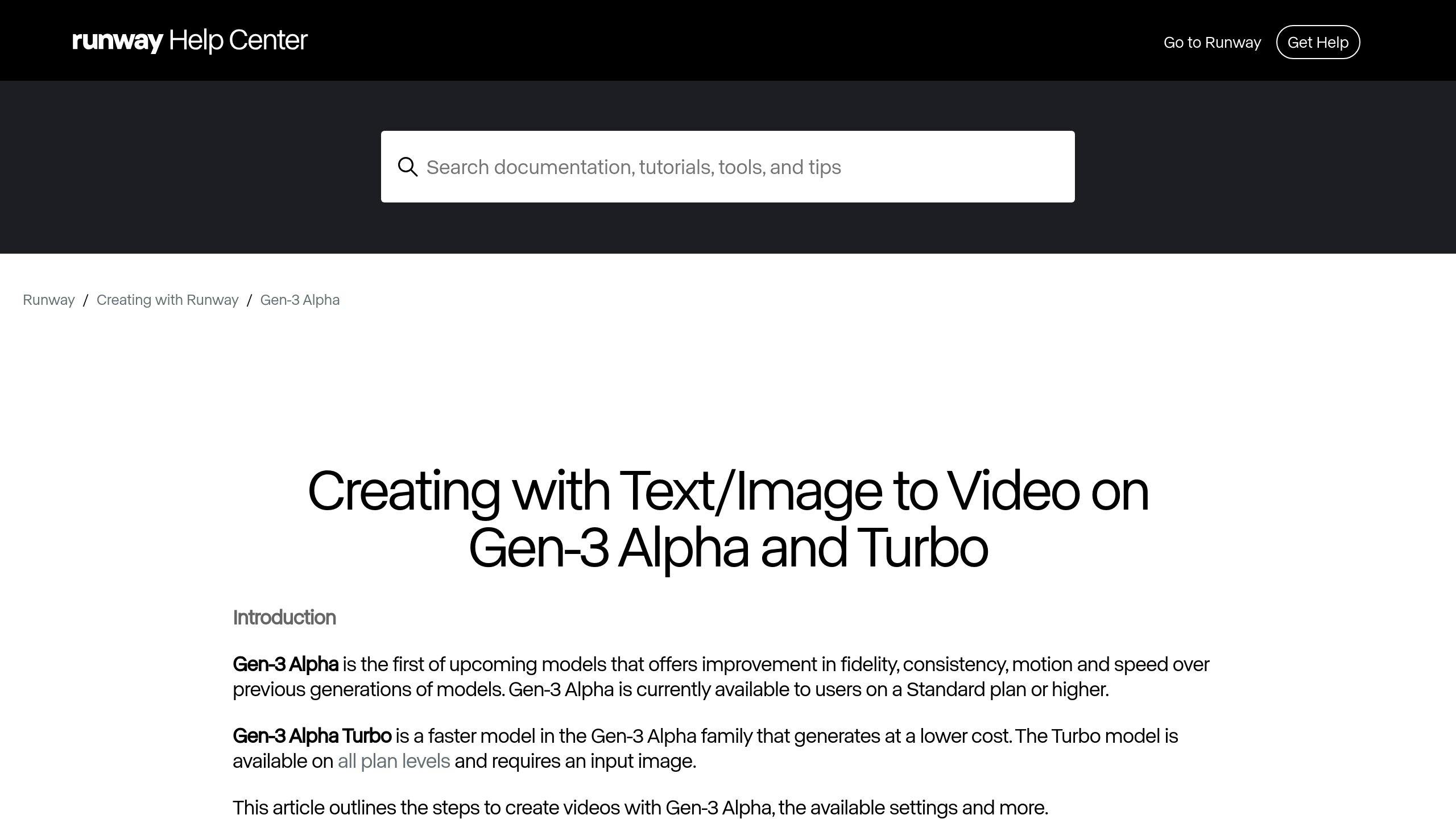
A correction first: Gen-3 Alpha Turbo was never a lip-sync model. It was Runway’s faster text-to-video and image-to-video model, launched in August 2024, and lip sync on Runway is a separate Lip Sync feature that you apply to an existing clip or photo together with an audio track. Runway retired Gen-3 Alpha Turbo on 30 July 2026 (API changelog), pointing users to Gen-4.5 and Gen-4 Turbo. The figures below describe the model as it was when this article was written.
Performance
This version processes videos 7 times faster and supports both landscape and portrait resolutions [3][4]. The model itself does not generate lip movement from audio; dialogue is added afterwards with Runway’s Lip Sync tool.
Cost
The pricing starts at 5 credits per second of video, making it a budget-friendly option compared to earlier versions [3][4]. It’s available on all Runway plans, catering to creators of all experience levels.
Integration
It includes features like Act One for character animation, Text-to-Video, Image-to-Video, and Camera Motion for enhanced visual control. These tools work together smoothly, elevating the lipsync creation process.
Customization
With Advanced Camera Control, users can adjust angles and movements to craft distinctive visual styles [3][4]. Generations were 5 or 10 seconds long and could be extended up to 34 seconds (Runway changelog, 23 September 2024).
While Gen-3 Alpha Turbo offers exceptional speed and flexibility, its usefulness depends on your specific project needs. For example, tools like Hedra might be a better fit for certain creative goals.
2. Hedra
Hedra stands out as a user-friendly yet feature-rich tool for creating lipsync videos. It allows users to combine text and images to produce talking head videos, with its latest updates boosting its functionality.
Performance
Hedra’s facial animation system delivers accurate lip movements and captures emotions effectively. Its Voice Isolation feature, launched in November 2024, removes background noise from a recording, which helps when syncing clean speech with visuals.
Cost
A free tier is available with no credit card required; as of September 2026 paid plans start at $15/month for 1,500 credits. An earlier version of this article quoted a 300-word limit on the free plan, which we could no longer source; see the Hedra pricing page for current limits.
Integration
Hedra allows creators to import custom audio and images, offering flexibility for diverse projects [6][8]. The Voice Isolation tool is particularly helpful for cleaning up noisy recordings before lip-syncing.
Customization
Some of Hedra’s standout features include:
- Tools for sharpening and stylizing images, giving users more control over visual quality [7]
- Support for extended recordings, enabling longer dialogues [6]
- Accurate facial animations that effectively convey emotions [6]
Hedra enforces strict content guidelines, especially when it comes to using celebrity images [6]. While it excels in precision and flexibility, tools like Heygen might better suit users looking for features tailored to specific needs.
3. Heygen
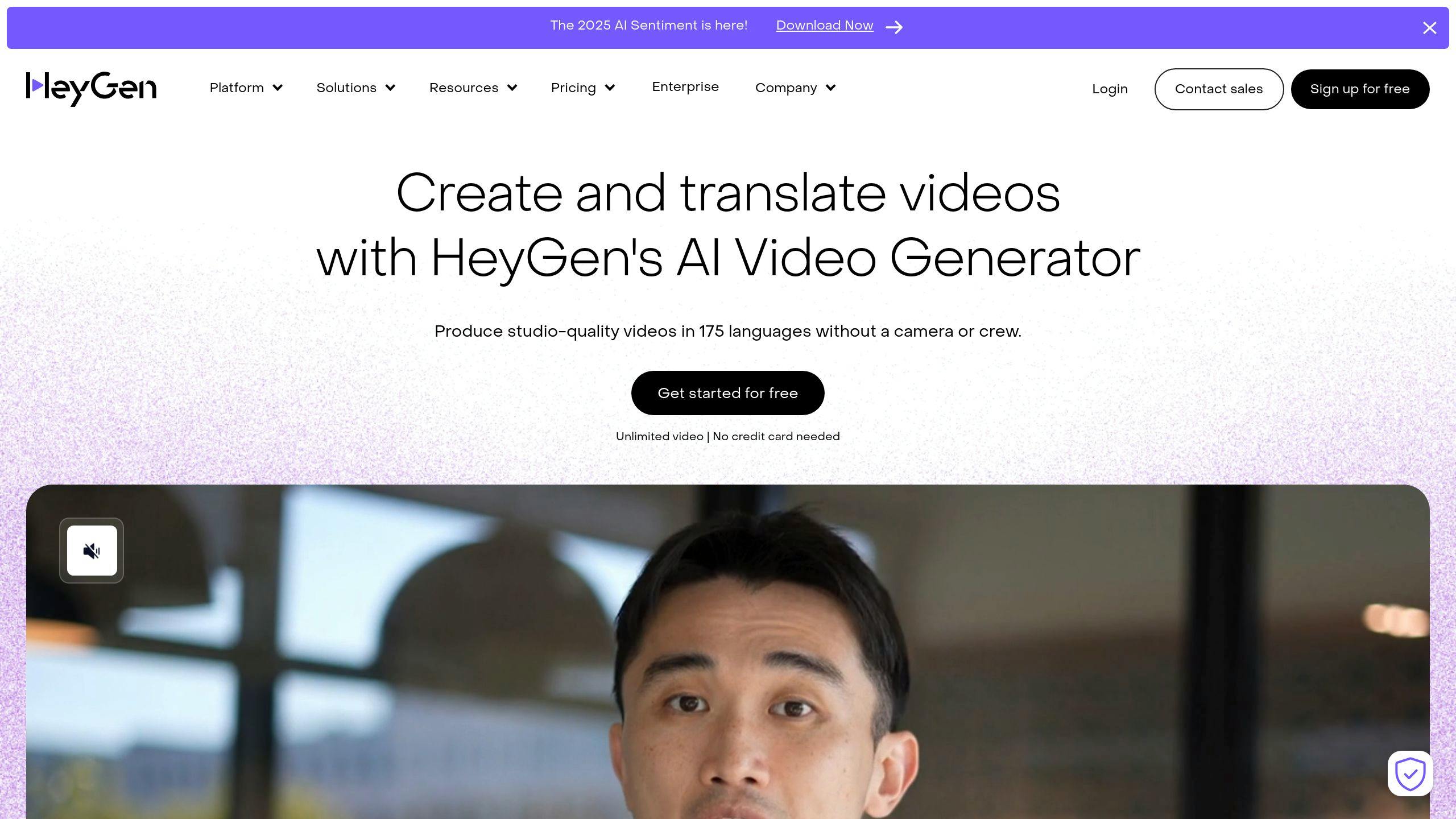
Heygen is an AI-driven video creation platform tailored for professionals and small teams aiming to connect with global audiences. Its standout feature is multilingual lip-sync technology.
Performance
Heygen’s lip-sync technology is highly accurate across various languages, making it a strong choice for localized content creation. It can process up to two faces at once and handles slight head movements with ease [1]. However, it lacks support for photo-based lip-sync, which limits its use for static image projects.
Integration
Correction: an earlier version of this article said HeyGen had no API. That was wrong. HeyGen offers a public API (developers.heygen.com) covering avatar video generation, text-to-speech, video translation and lip-sync, sold as a separate subscription from the web plans. Non-developers still get a straightforward, easy-to-use interface.
Customization
Heygen provides several customization options:
| Feature | Details |
|---|---|
| Language Support | Multilingual with translations |
| Face Processing | Handles two faces, mild movements |
| Add-ons | Finetune Avatar, Studio Avatar |
Although Heygen is strong in multilingual video creation, its translation capabilities have room for improvement compared to other tools in the market [1]. Its simplicity and focus on accessibility make it a great choice for creators looking to engage international audiences without needing advanced technical skills.
Cost
As of early 2025 this article listed a free plan with one-minute videos, plus Finetune Avatar at $49/month and Studio Avatar at $1,000/year as add-ons. Checked again on 16 September 2026, HeyGen’s pricing page lists Free ($0; three videos a month, up to one minute each), Creator ($29/month, or $24/month billed yearly), Pro (from $49/month) and Business ($149/month plus $20 per seat). The named avatar add-ons no longer appear; custom video avatars are now included per plan. API pricing is separate.
While Heygen emphasizes ease of use and multilingual features, alternatives like LatentSync provide a different take on lipsync technology, particularly for those exploring open-source options.
4. LatentSync by ByteDance
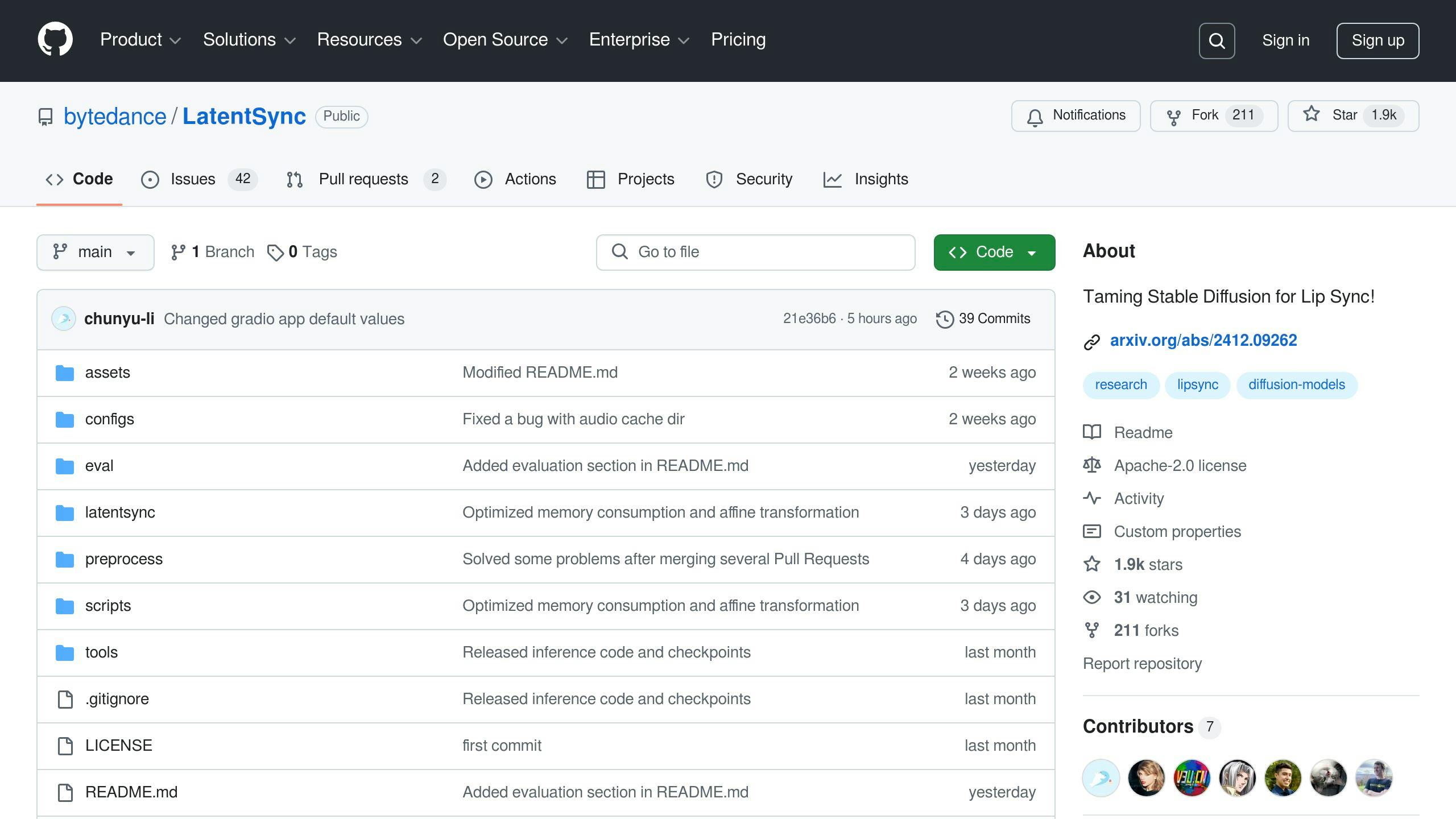
LatentSync stands out as an open-source alternative to closed-source tools like Heygen and Hedra. Designed for developers and creators, it offers advanced lip synchronization features powered by an AI diffusion model [9].
Performance
LatentSync is trained with TREPA (Temporal REPresentation Alignment), a training loss the authors introduce to improve temporal consistency between generated frames (paper); it is not a runtime step that aligns AI frames with real footage. The 6.5 GB VRAM figure quoted in an earlier version applied to version 1.0 only. According to the README (checked 16 September 2026), inference needs a minimum of 8 GB with LatentSync 1.5 and 18 GB with LatentSync 1.6. Whether working with real-life videos or animated characters, the system delivers reliable results [9].
Integration
Unlike proprietary tools, LatentSync allows full customization. Users can modify and expand its framework to fit specific needs. It comes with pre-trained checkpoints on Hugging Face, a data-processing pipeline and training scripts, all documented in the GitHub README. (Note: latentsync.com, cited in an earlier version of this article, is a third-party site with no ByteDance affiliation; the official sources are the GitHub repository and the Hugging Face model page.)
Customization
The README makes no claim about language coverage; the only language-specific note is that version 1.5 “improves performance on Chinese videos”. Its data-processing pipeline filters training clips automatically (for example, dropping videos with a low hyperIQA score), but there is no separate quality-check toolkit. Treat it as a strong general lip-sync model rather than a turnkey multilingual dubbing product.
Cost
Being open-source, LatentSync has no licensing fees. However, users should plan for GPU or cloud infrastructure expenses [11].
With its customizable and cost-efficient framework, LatentSync is a great choice for those who need control and flexibility in their projects.
Advantages and Disadvantages
Different lipsync tools come with their own strengths and weaknesses, catering to various user needs and project goals. The table below highlights key features to help you decide which tool aligns best with your requirements.
| Feature | Runway Gen-3 Alpha Turbo | Hedra | Heygen | LatentSync |
|---|---|---|---|---|
| User Interface | Easy to use, no coding | Intuitive design | Geared for professionals | Built for developers |
| Lip-sync Accuracy | High precision | Accurate with eye control | Multilingual precision | Diffusion model + TREPA loss |
| Customization | Pre-trained models | Eye movement control | Limited options | Full framework access |
| Cost Structure | Tiered subscription | Free tier available | Premium-only features | Free, with infrastructure costs |
Closed Source Solutions
Runway Gen-3 Alpha Turbo (retired in July 2026; lip sync is a separate Runway feature) was designed for creators without technical expertise. Its simple interface and pre-trained models make it great for quick projects, though it doesn’t offer much in terms of multilingual capabilities [12].
Hedra stands out for its multilingual support and ability to control eye movements. It’s excellent for producing high-quality, realistic animations but works best with high-quality source materials [13].
Heygen is known for its consistent multilingual lip-sync performance. It also offers a public API, so it fits automated workflows. It’s a solid choice for professional teams creating content for global audiences [1].
Open Source Alternative
LatentSync provides an open framework that developers can customize for specific needs. Its TREPA training loss improves temporal consistency, and inference needs 8 GB of VRAM for version 1.5 or 18 GB for 1.6, but users must be prepared for setup challenges and the costs of GPU or cloud services.
Key Considerations
When choosing a lipsync tool, think about:
- The technical skills available in your team
- Your budget, both upfront and for ongoing infrastructure
- Your project’s specific needs, like multilingual support or customization options
Your decision should balance these factors to meet your unique project goals.
Conclusion
Different lip-syncing tools cater to various needs in the ever-changing world of video content creation. LatentSync stands out for its affordable and accurate lip-syncing capabilities, making it a great choice for developers who need customizable options.
Runway Gen-3 Alpha Turbo, on the other hand, is a user-friendly tool with built-in presets, perfect for educators and small teams looking for quick and straightforward solutions [2].
When deciding between open-source and closed-source tools, keep these key points in mind:
- Technical Expertise: Teams with coding skills can take full advantage of LatentSync, while non-technical users may find tools like Hedra or Heygen more approachable.
- Cost Structure: Open-source options eliminate licensing fees but may require investment in hardware or cloud services. Closed-source tools, however, come with predictable subscription costs.
- Specific Needs: Consider factors like multilingual support, customization options, and the scale of production.
For larger productions or multilingual projects, Heygen is a strong option, especially for enterprises, though it comes with a higher price tag. Hedra, in contrast, offers a balanced approach with a solid feature set at a more moderate cost [13].
Closed-source tools focus on simplicity and customer support, while open-source tools like LatentSync provide flexibility and lower costs. Both approaches will continue to influence how video content is created in the future.
Running a small pilot project is a smart way to test a solution before committing fully. Evaluate your team’s skills, budget, and project needs to choose the tool that aligns best with your goals.